Academy · Module 4 of 4 · 1 min
Take card and bank payments
Connect Stripe and GoCardless, see what your client sees, and let reminders chase the slow payers.
The steps
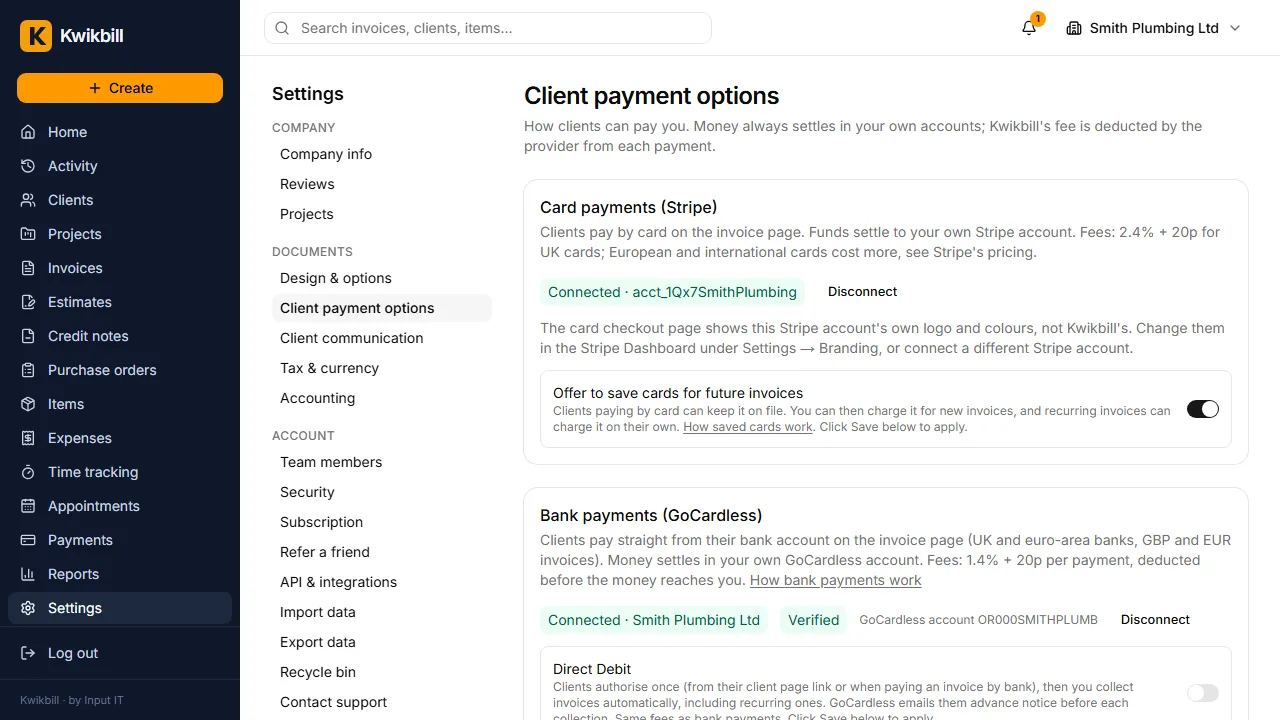
1. Client payment options
Open Settings, then Client payment options.
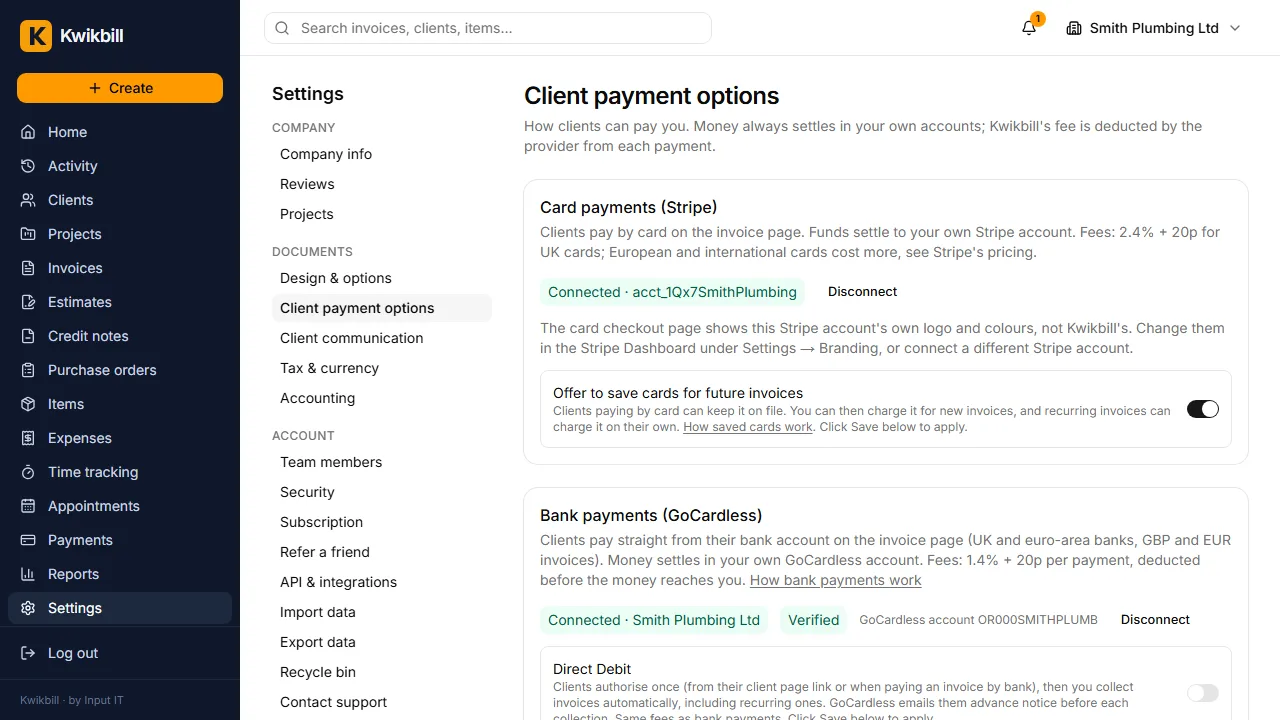
2. Cards through Stripe
This example is already connected. On yours, press Connect and sign in to Stripe, or create a Stripe account there. Money goes to your own Stripe account and the fee comes out of each payment, so there is nothing to pay up front.
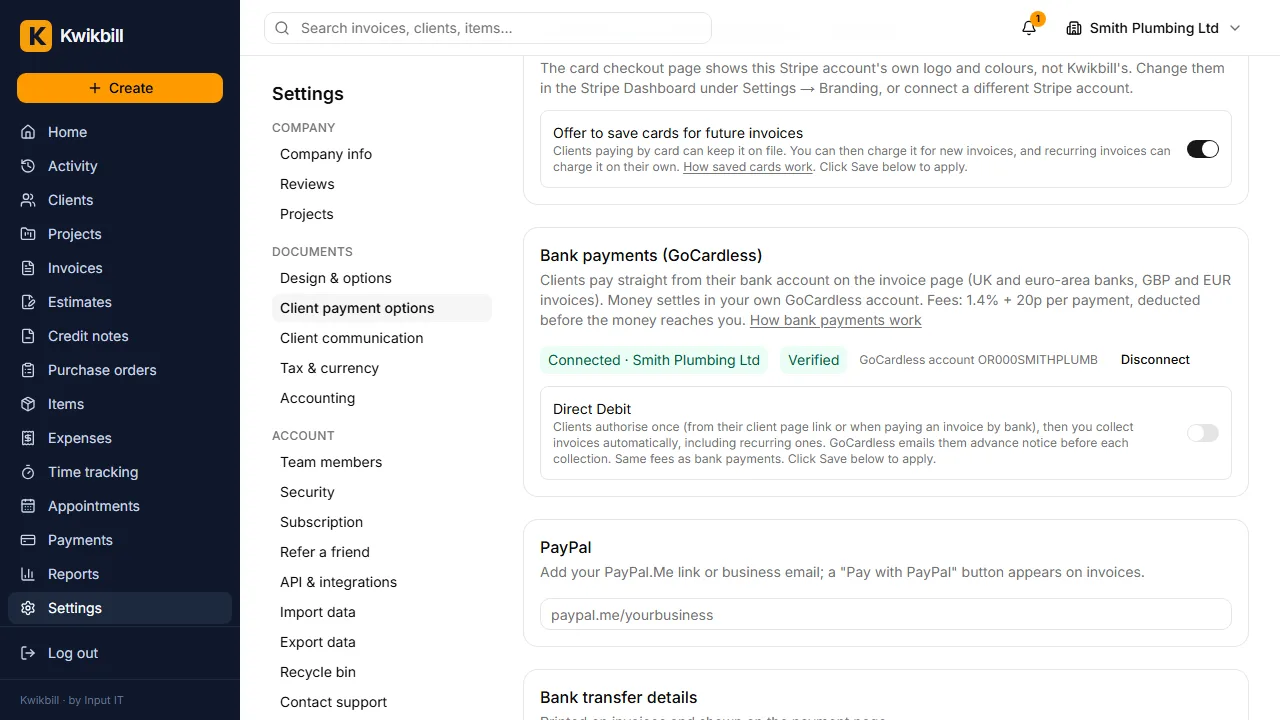
3. Pay by bank through GoCardless
Clients pay from their own banking app with no card needed, and it settles to your bank account.
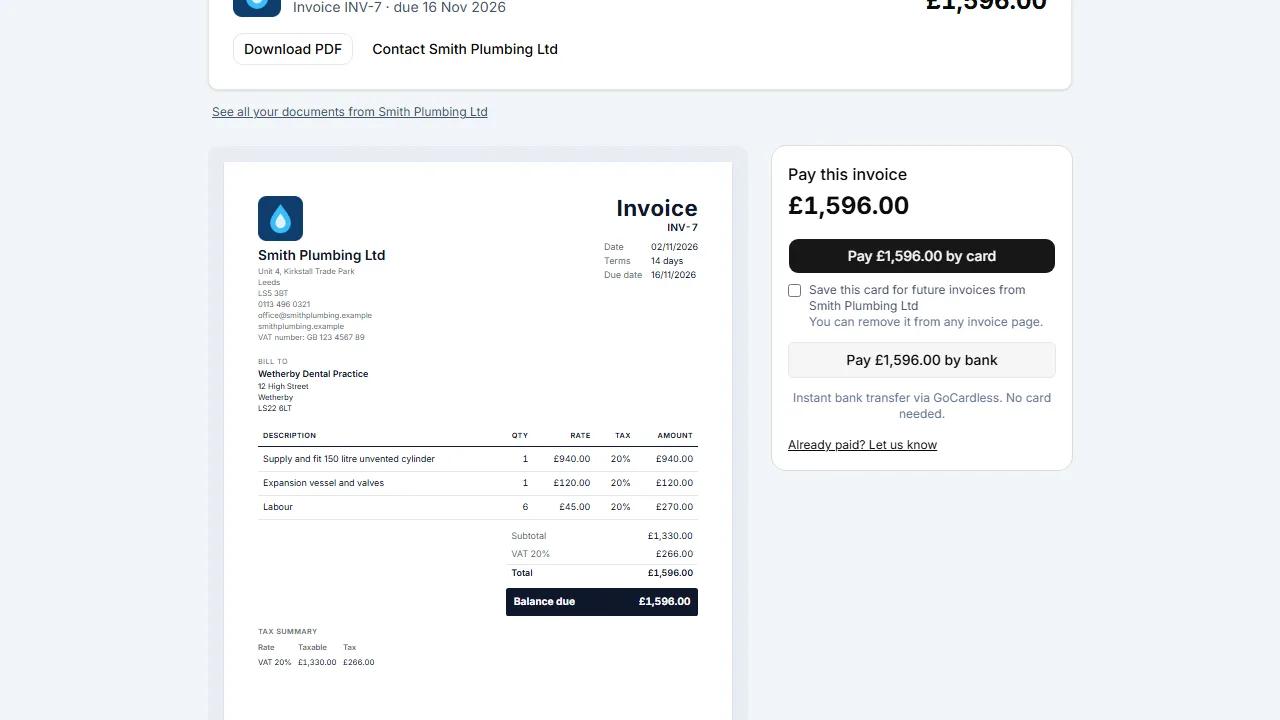
4. What the client sees
The link in your email opens the invoice with the amount due, Pay by card and Pay by bank. No account needed.
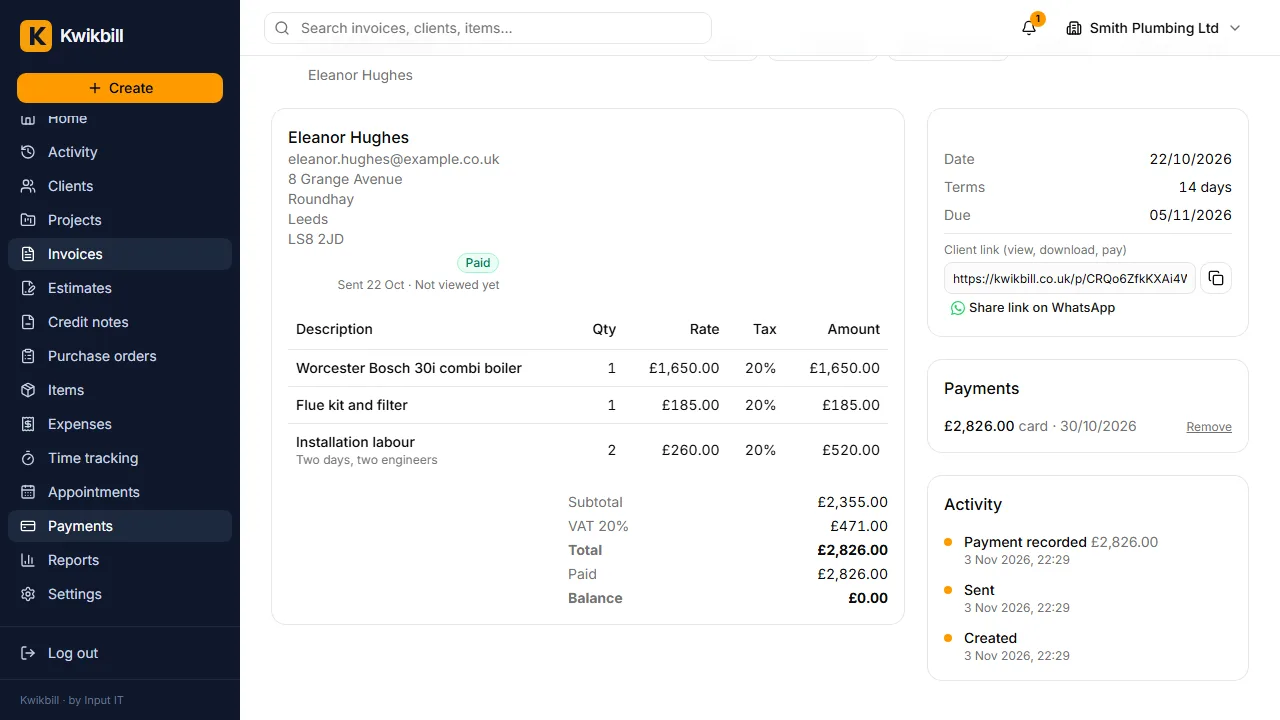
5. Paid, automatically
When they pay, the invoice is marked paid, the receipt goes out and you get a notification.
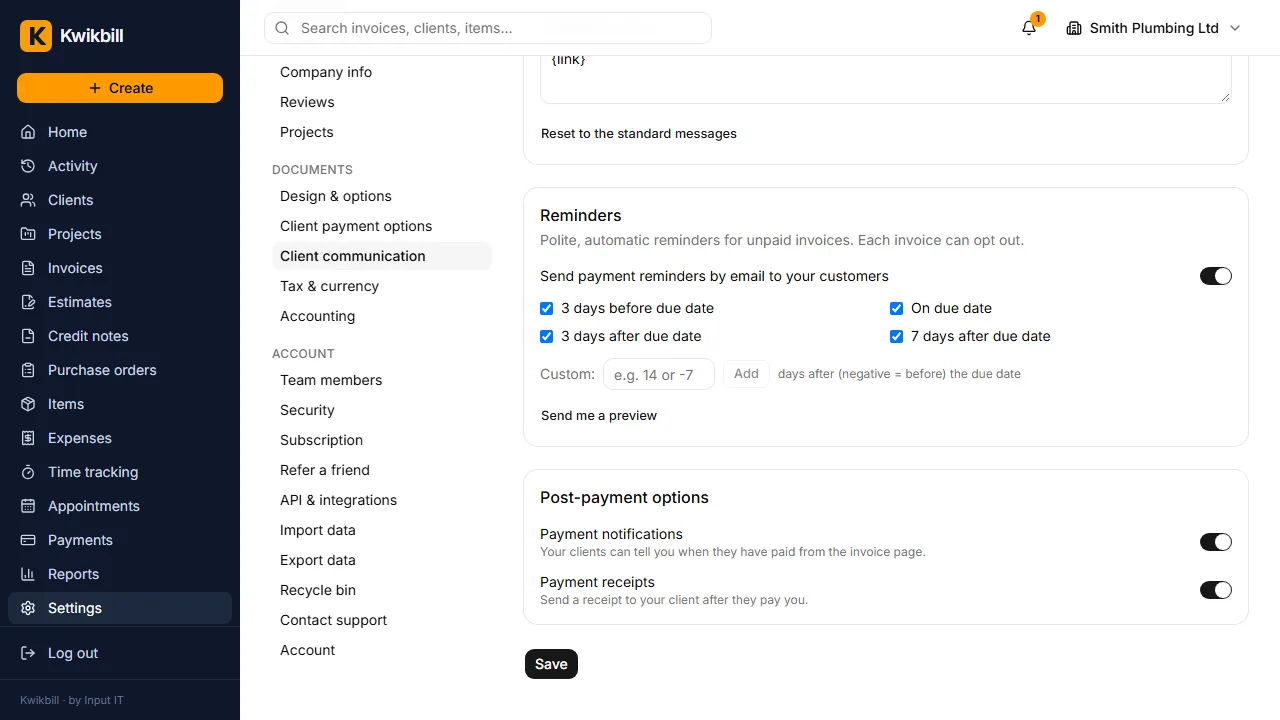
6. Reminders chase for you
Under Client communication, turn on reminders. Polite emails go before and after the due date.